
Reels have been one of the biggest successes for Instagram recently ever since it has been released. There are various articles focusing on Reels on Instagram on this site alone, which confirms it. This time we are going to talk about how you should get moving images on Reels in your Instagram.
Reels are getting popular day by day. Therefore, it is not a surprise to see more and more people wanting to learn how to make their Reels better. If you are one of them, do not worry, today I would tell you the easy steps to add Moving images to your Reels. I would also mention several other helpful links along the way. Make sure to check them out for a better idea of how to work with Reels.
What are moving images and are they important in My Reels?
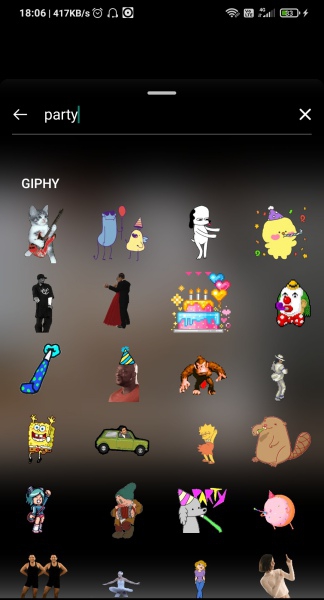
First of all, let us clear the concept of moving images. Moving image is just another name for Graphics Interchange Format, or simply, GIF. You might not have noticed but GIFs are more popular than you think. Those small videos on WhatsApp, those short animated cartoons your friends send as a response in Chat, are all GIFs.
GIFs are better than videos due to their small size and less requirement for playability. So this pretty much already answers your question of whether GIFs are important for your Reels. While you can still make a Reel without GIFs, just like you could drive a car without decals, using them makes the Reel appealing. And we all know how important appeal is when it comes to views for Reels.