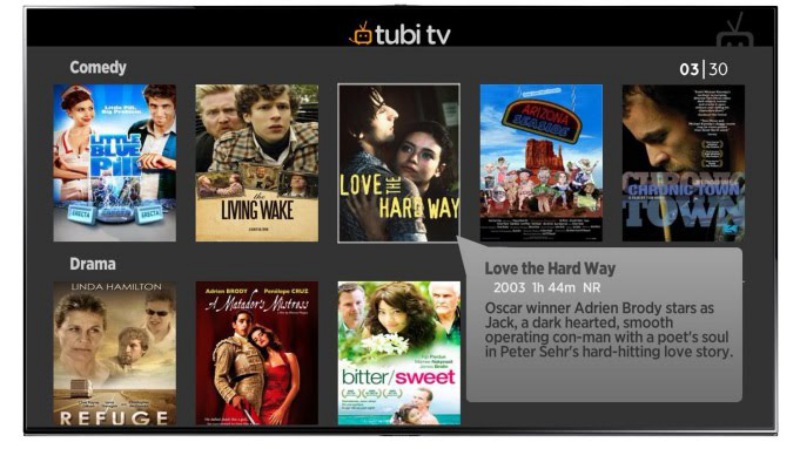


There are many media streaming apps we have discussed. But if you are looking for a legitimate, free to use, superb performance application, look no further than Tubi. However, you would notice that Tubi TV supports Ads. This article focuses on how to get rid of ads on Tubi TV.
There are many feature and devices Tubi supports, along with a few cons. Before we discuss this main topic we will cover these so that you could have a clear idea about Tubi TV. I might mention other useful media streaming services on the go so keep reading!
What is Tubi TV?
Tubi TV is a media streaming app that was launched in the United States. It was launched in 1st of April, 2014. It is supported on a wide range of digital devices such as Mobile, Desktop and Smart TVs. The best feature about Tubi TV is probably that it is Free of cost. Most media streaming services are not free of cost. Netflix, Amazon Prime Video, even YouTube has a premium subscription!
But I know what you are thinking what about apps like PikaShow, BeeTV and others? They are free as well. I know they are free but the worst part is that they are not legitimate. You risk your privacy and confidentiality when you use these apps. Specially when you do not use a VPN connection to access it. Your IP address could be easily tracked leading to various charges on your by the government.
Regardless if you use these apps properly, BeeTV and PikaShow etc are superb apps. You can check BeeTV articles here and PikaShow related articles by clicking here. If you do not like the idea, it’s good to stick to using Tubi TV.