
Everyone among us uses a smartphone. Every house satisfies the condition of the number of smartphones greater than equal to the members of a family. It is because the world has moved to the digital age. Be it attending online lectures or meetings. Along with the smartphone, the SIM card is also equally important. Well, most of the tasks on any smartphone depend on the SIM card and its network. In that case, if you get an error of not registered on the mobile network, then your day pauses for a moment.
Once this message pops up, you cannot attend any calls, messages, meetings, and more. Some may argue that you can use Wi-Fi connectivity. But, it cannot replace the need for SIM card and network. So, here are a few methods to try if you have come across the message, ‘not registered on network’. If you get a cross mark on the mobile tower notification, then it implies the mobile network is not available. These methods will also work for the same.
How to fix not registered on network in Android:
1. Reinsert the SIM card:
This first method is probably the easiest and obvious step to start with any such error. Turn OFF the device, remove the SIM card, put it back, and turn it back ON. If needed, rub the golden part on the SIM card with a clean pencil eraser. It helps to remove any marks or stains adequately. Now, check if the mobile network is available.
2. Select the Network manually:
In case you do not know, the smartphone automatically selects the mobile network as per the location and SIM card. But, in some cases, it may go wrong and cause such errors. So, you can select it manually. To do this, go to Settings -> Network and Internet -> Mobile Network -> Advanced. In this tab, toggle OFF the option to select automatically. Once you do that, the device scans for available options. Lastly, click on the appropriate network, and that’s it. If you wish, you can toggle ON the automatic option again.
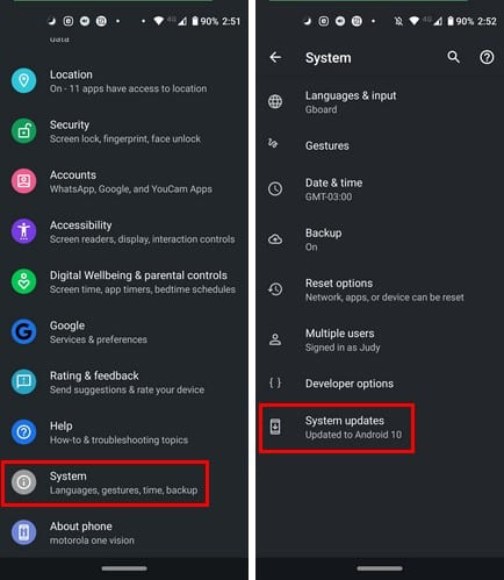
3. Check for updates: