
Microsoft Office comprises tools such as Word, Excel and Powerpoint. Also, it is the most used office suite out there. For those who do not know, Microsoft Office 365 is a subscription service. In this plan, you get online access to all the Office apps along with 1 TB of One Drive storage. So, you can buy the subscription as per your requirement and sync the documents across all your devices. Not to mention, Outlook, Skype, OneNote, and other apps. As per recent news, Fire OS devices are now compatible with Office apps.
Well, Amazon recently announced the new Fire tablets with bundled Bluetooth keyboard and Microsoft Office 365 subscription. Apart from this, Microsoft has finally included Microsft Office and OneNote app on the Amazon Appstore. So, here is all you need to know about these new Microsoft Office apps. Also, the prices, subscription validity, specs, and more.
How to Download and use Microsoft Office On Amazon Fire OS:
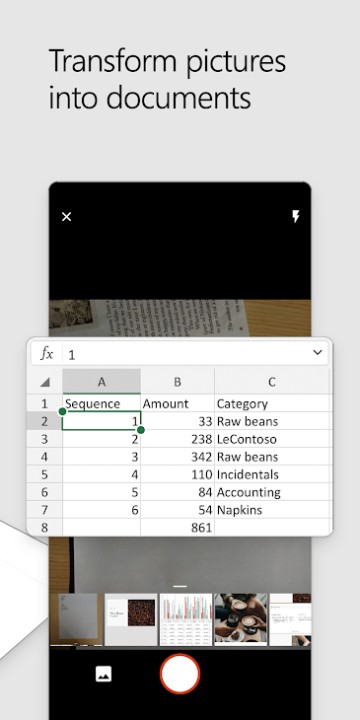
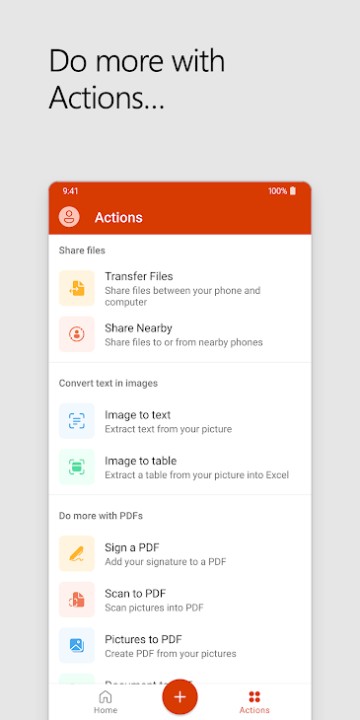
First of all, let us talk about the all in one Microsoft Office app. As the name suggests, it combines all the office tools into a single app. These include Word, Excel, and Powerpoint. You also get the Office lens camera, OneNote, Sticky notes, file conversion, file transfer, and more. In short, it is a one-stop app for all your Office needs. Indeed, it is helpful for all the students and office employees. Earlier, you were able to download this app on Android, iOS, Windows, and Mac. Thus, it is now making its way to FireOS.