
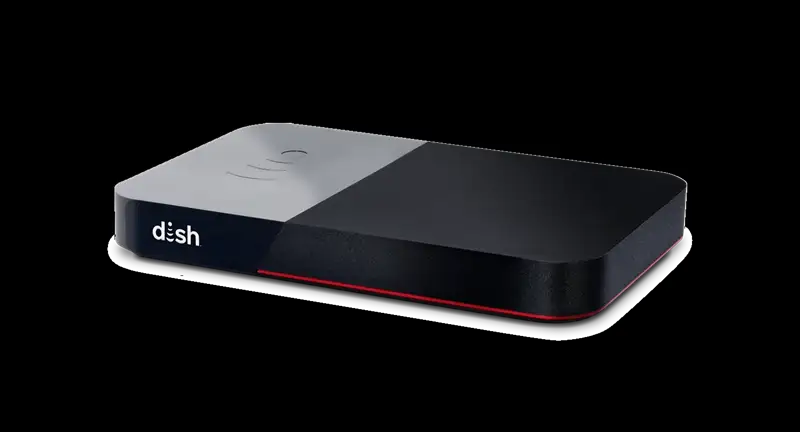
“Is your Dish Joey not working? No problem!
In this guide, we’ll show you how to identify common issues and fix them quickly, so you can get back to enjoying your favorite shows in no time.”
Why is my Joey not working?
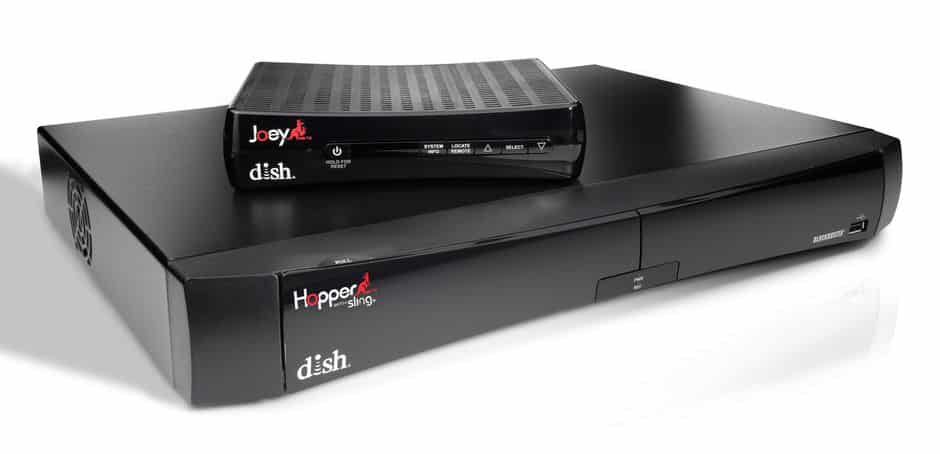
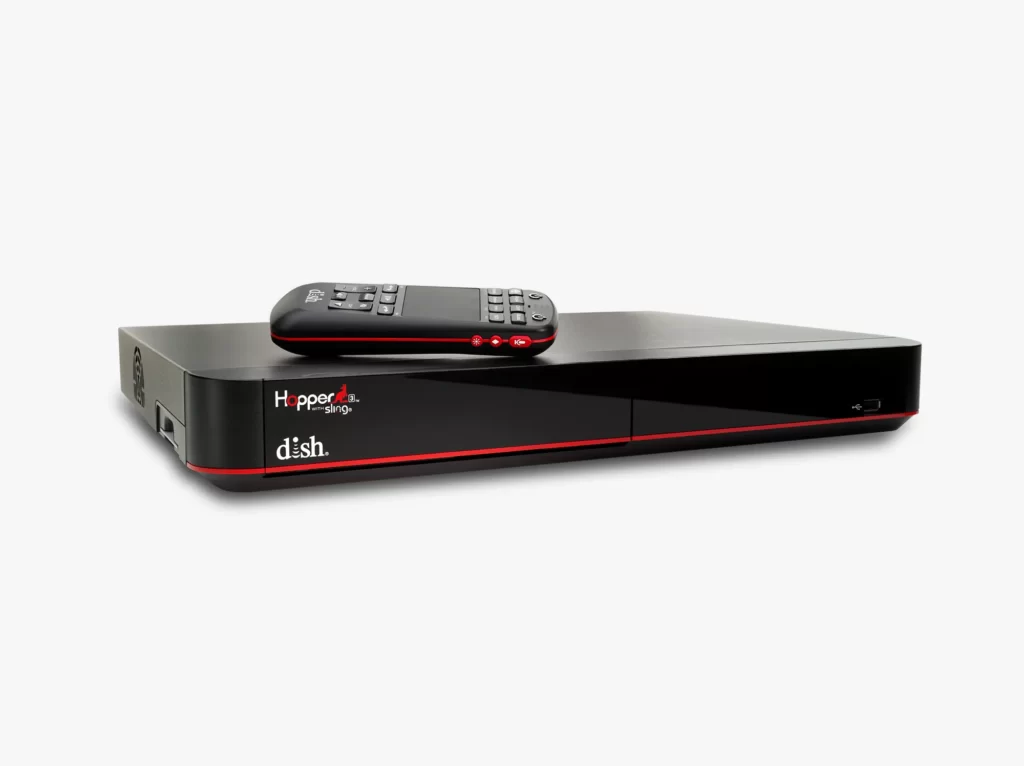
Your Dish Joey is the secondary devices that connect to your main Hopper console. Once connected, users can practically access all the features available on the Hopper on another device via the Joey.
Sometimes the joey may be unable to connect to the Hopper due to complete or partial signal loss, inability to locate the Hopper, internet problems for wireless joeys, etc.
Interference with the connection on the main Hopper console is most likely to affect your services on Joey as well. Sometimes if the console or dish is moved or wires changed can also cause problems. It is also good to keep your devices updated, both Joey and Hopper to receive the best performance out of them. Sometimes severe weather conditions can also cause problems with stability and signal strength.
If users are facing poor or pixelated video on their joey devices, the reasons could lie with faulty wires in the connection. Other problems also include a frozen screen, which would probably require a soft reset in most cases.
Depending on the means available to you and the type of problem you have, follow our guide to solve problems with your Joey.
How do I fix dish joey not working?
1. Check for power
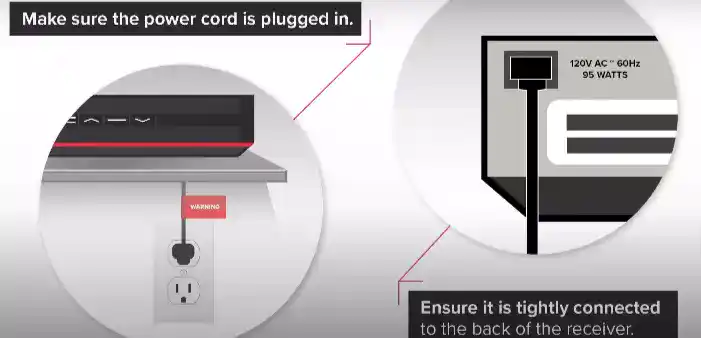
Before troubleshooting your Dish Joey, make sure the power cord is properly connected to the back of the receiver.
The power cord usually has a red tag, so ensure that it is tightly connected to the receiver. If the power cord is loose or not connected at all, the Joey will not turn on or function properly.
If you are using a power strip to connect your Dish Joey, make sure it is turned on. Check to see if there is a green light on the front of your receiver. If there isn’t one, press the power button on the receiver to turn it on.
Once the receiver is turned on, turn your TV on and check to see if you can launch programming.
2. Remote Troubleshooting:
If your Dish Joey isn’t responding, it might be an issue with the remote.
Try using a different remote if you have one.
This will help you determine if the problem is with the original remote or the Joey unit itself.
2. Make sure your receiver is well ventilated
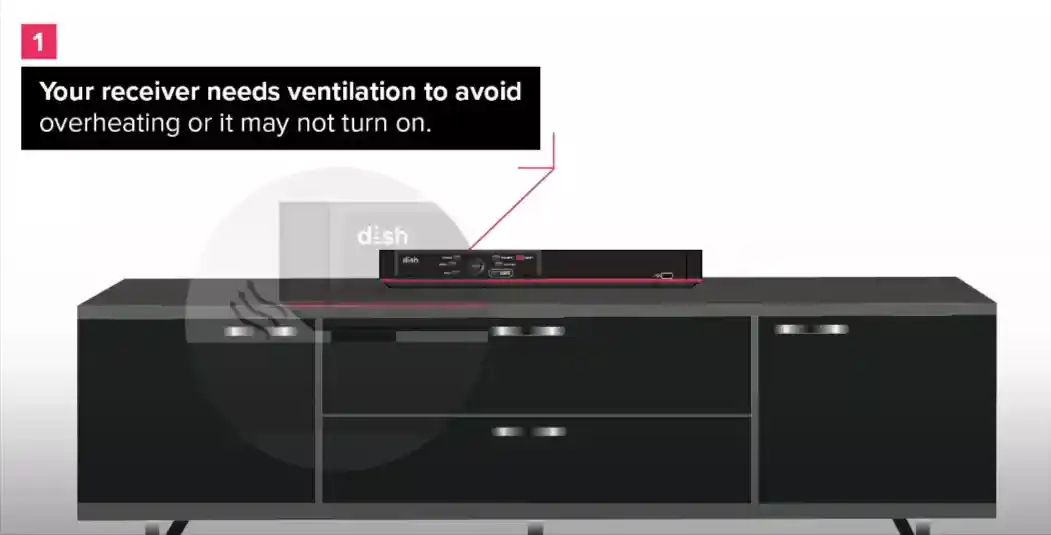
To prevent overheating and ensure your Dish Joey functions properly, make sure your receiver is well-ventilated.
Your receiver needs proper ventilation, and it should not be enclosed in a cabinet or other confined space.
Make sure there is at least four inches of space between the receiver and other electronic devices to allow for proper airflow.
If the receiver is not well-ventilated, it may not turn on or may experience other performance issues.
By ensuring that your receiver has enough space to breathe, you can help prevent overheating and extend the life of your Dish Joey.
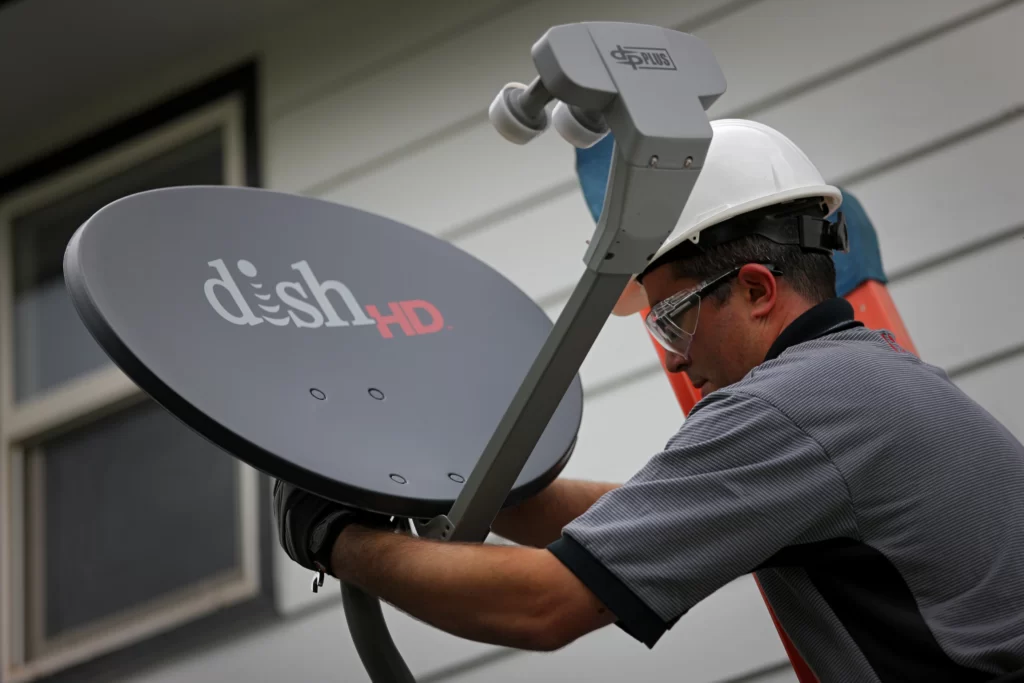
3. Repositioning Dish to original position.
The Dish installed outside your home should not be moved from its original position, moving the dish from its original position can totally disrupt signal that the dish receives.
As Dish is based off of satellites transmissions and not broadcast or cable, it is important that the satellite remain in its original position.
The dish is kept in sync with a geosynchronous satellite, and moving it could alter the way signals are received.